Windows 11 Home vs. Pro: which one do you need?
Updated November 1, 2026
Both editions run the same apps and games and get the same security updates. The difference is a set of tools for protecting data and managing PCs. Here's how to decide in a couple of minutes.
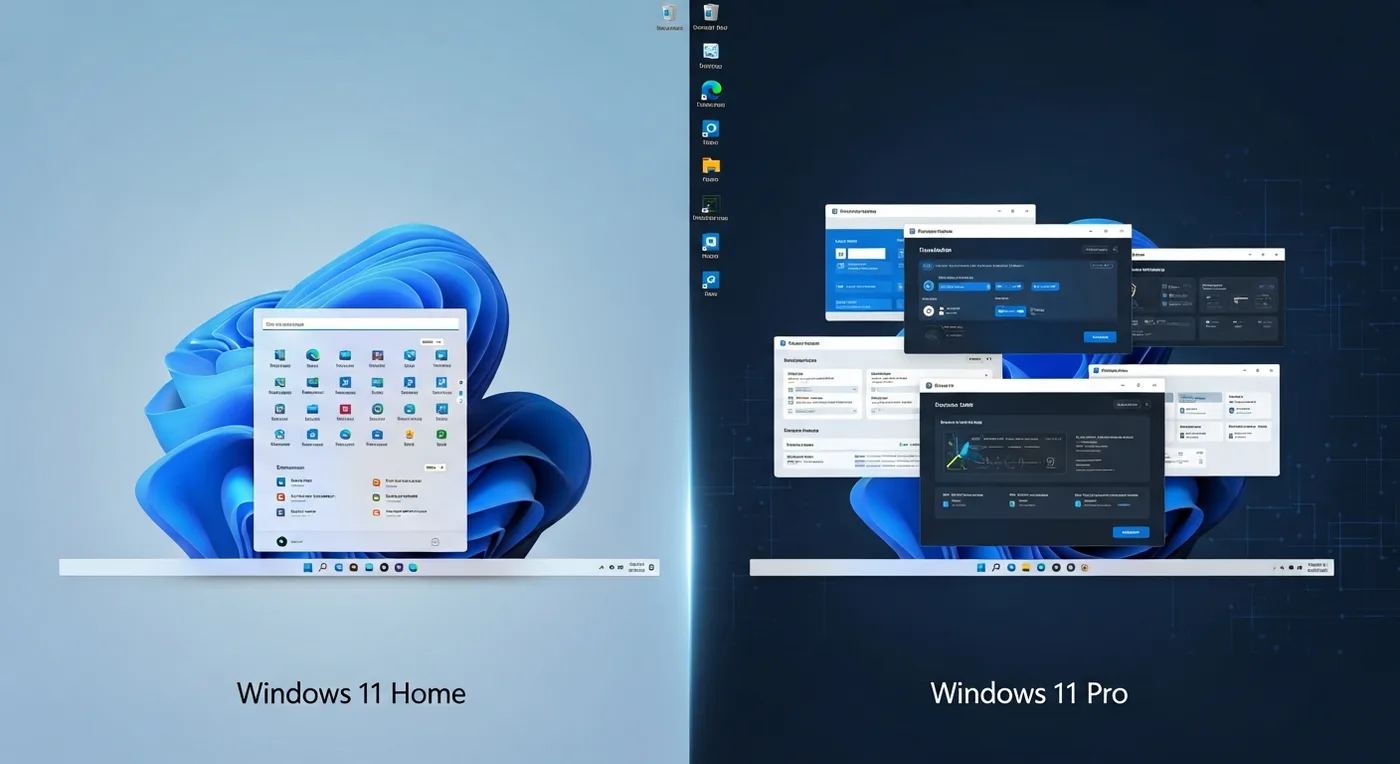
Feature comparison
| Feature | Home | Pro |
|---|---|---|
| Apps, games, Microsoft Store | Yes | Yes |
| Windows Security and monthly updates | Yes | Yes |
| Device encryption (on supported hardware) | Yes | Yes |
| BitLocker drive encryption with full controls | No | Yes |
| Remote Desktop host (connect to this PC) | No | Yes |
| Hyper-V virtual machines and Windows Sandbox | No | Yes |
| Group Policy and domain / Entra ID join | No | Yes |
| Set up without a Microsoft account | No | Work or school account options |
Choose Home if…
- The PC is for home, school or gaming.
- You don't need to connect to it remotely.
- You don't manage other computers or join a company network.
Choose Pro if…
- You keep client, patient or financial files on a laptop that could be lost. BitLocker protects them.
- You want to reach your desktop from another computer with Remote Desktop.
- You run virtual machines for development or testing.
- Your employer needs to join the PC to its domain or Microsoft Entra ID.
Upgrading later
You don't have to decide forever. A PC running Windows 11 Home can be upgraded to Pro by entering a Pro key under Settings > System > Activation. Your files and apps stay where they are.