Software licenses, explained before you buy.
Windows, Microsoft Office, Autodesk and security software for customers in the United States. Every product page tells you what you’re licensing, for how long, and on how many devices.
Shop by category
Popular picks
The current versions most of our customers ask about, selected by our team.
Which Office 2024 is yours?
All three are one-time purchases for one computer, supported by Microsoft until October 9, 2029.
| Feature | Office Home 2024 | Office Home & Business 2024 | Office 2024 Professional Plus |
|---|---|---|---|
| Price | $49.99 | $89.99 | $69.99 |
| Word, Excel, PowerPoint, OneNote | Included | Included | Included |
| Outlook | Not included | Included | Included |
| Access | Not included | Not included | Included |
| Use for business | Personal use only | Allowed | Allowed |
| Works on | Windows PC or Mac | Windows PC or Mac | Windows PC |
How buying digital software works
No shipping and no discs. Here is what happens from checkout to a working install.
Pick the right edition
Check the platform, device count and license type on the product page. If you’re unsure, email us before you buy.
Send your order on WhatsApp
Checkout opens WhatsApp with your order. We confirm it and agree the payment method with you there.
Get your key on WhatsApp
Once payment is confirmed, we send your license key or activation code in the chat, with instructions for your product.
Download and activate
Install from the publisher’s official site, enter the key, and contact us if anything doesn’t go to plan.
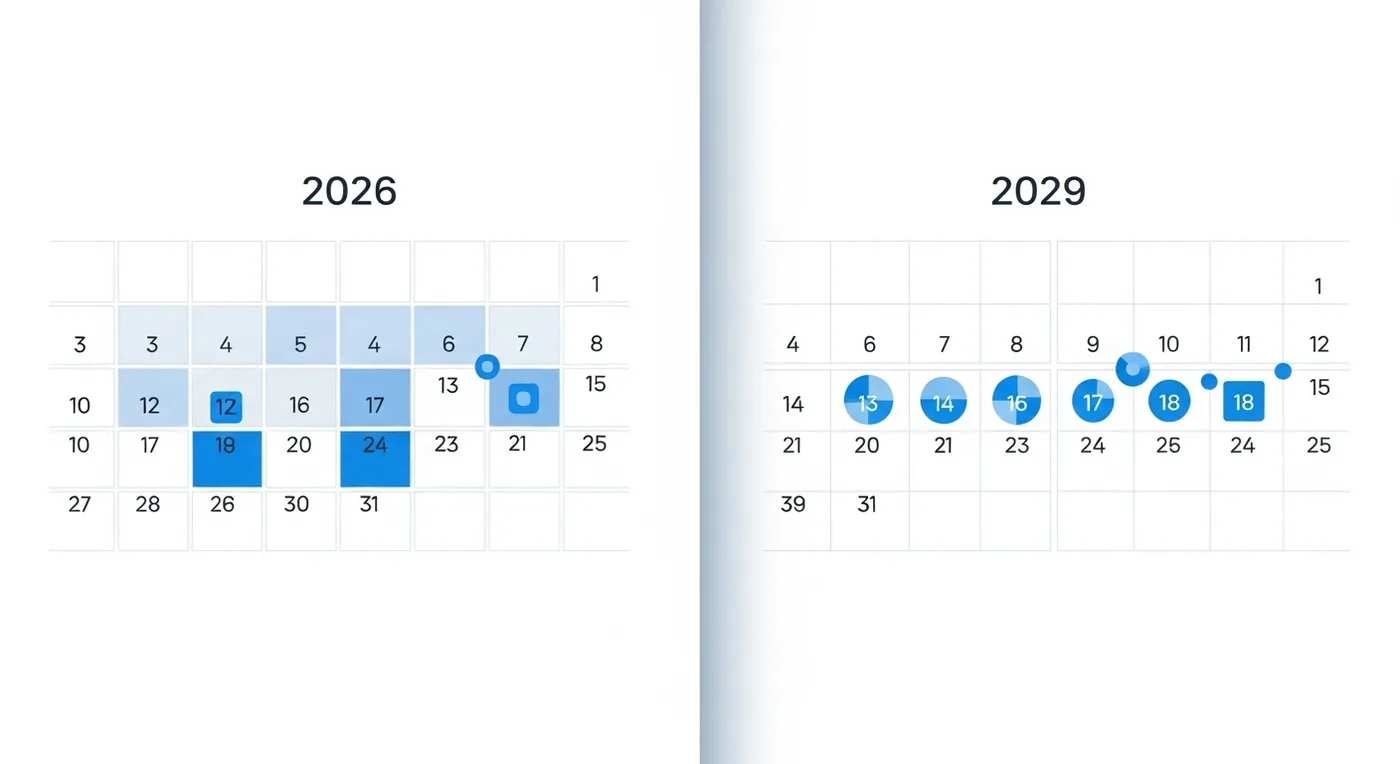
We tell you when a version stops getting updates
Older releases like Office 2019 and Windows 10 still work, but Microsoft no longer fixes security issues in them. Some people need them anyway, for an old plug-in or a company standard, so we keep them in stock.
Every product affected carries a clear support notice and the date support ended, and our filters let you hide them in one click. For a new computer, we’ll always point you to the current version.
Windows 10 end of support explainedTerms on every page
One-time or subscription, device count, account requirements and regional restrictions, listed before you add to cart.
Downloads from the publisher
We don’t host installers. You download from Microsoft, Autodesk, Avast, Webroot or McAfee directly.
Help on WhatsApp and email
Write to support@trustikeys.shop before or after you buy, including for activation problems.
Buying guides
Short, practical answers to the questions we get most.
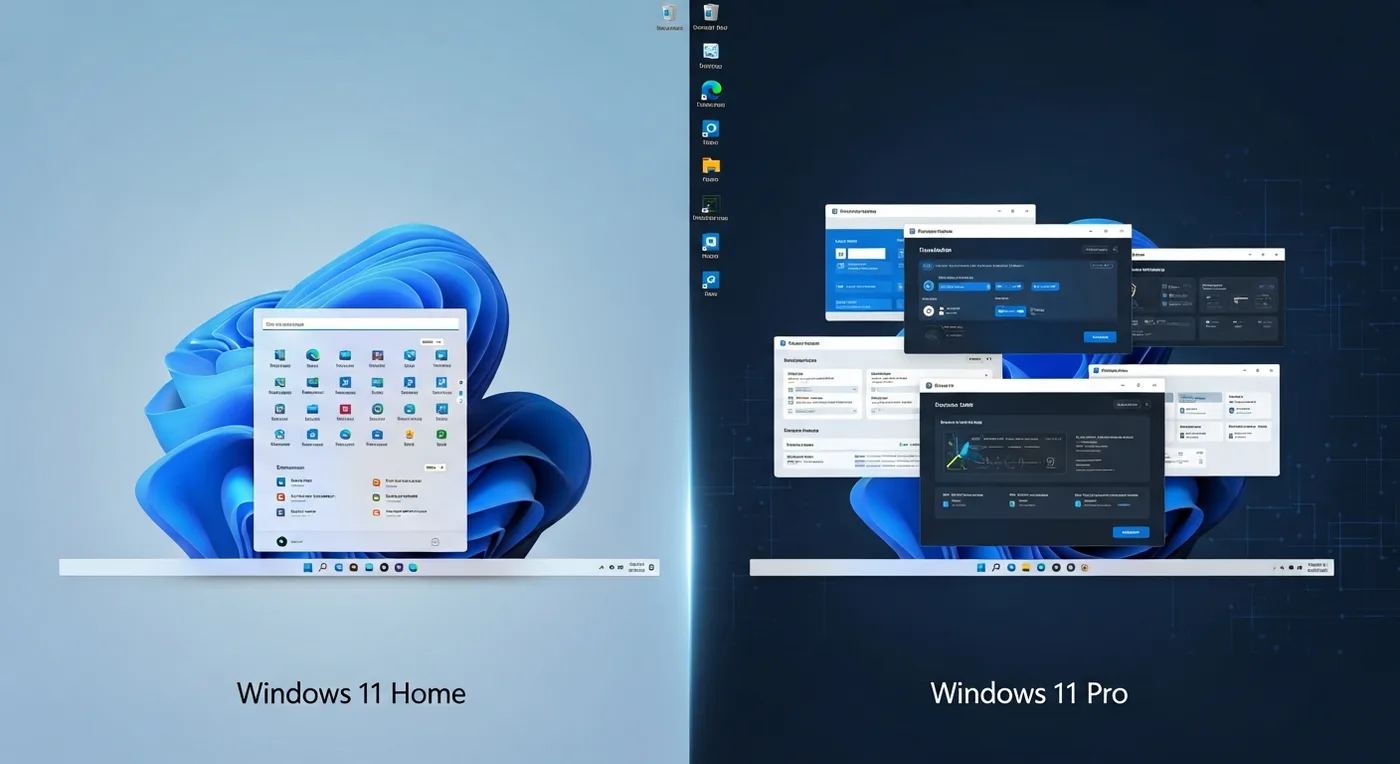 Windows 11 Home vs. Pro: which one do you need?
 How to install and activate Windows 11 with a product key
 Windows 10 end of support: what it means for you
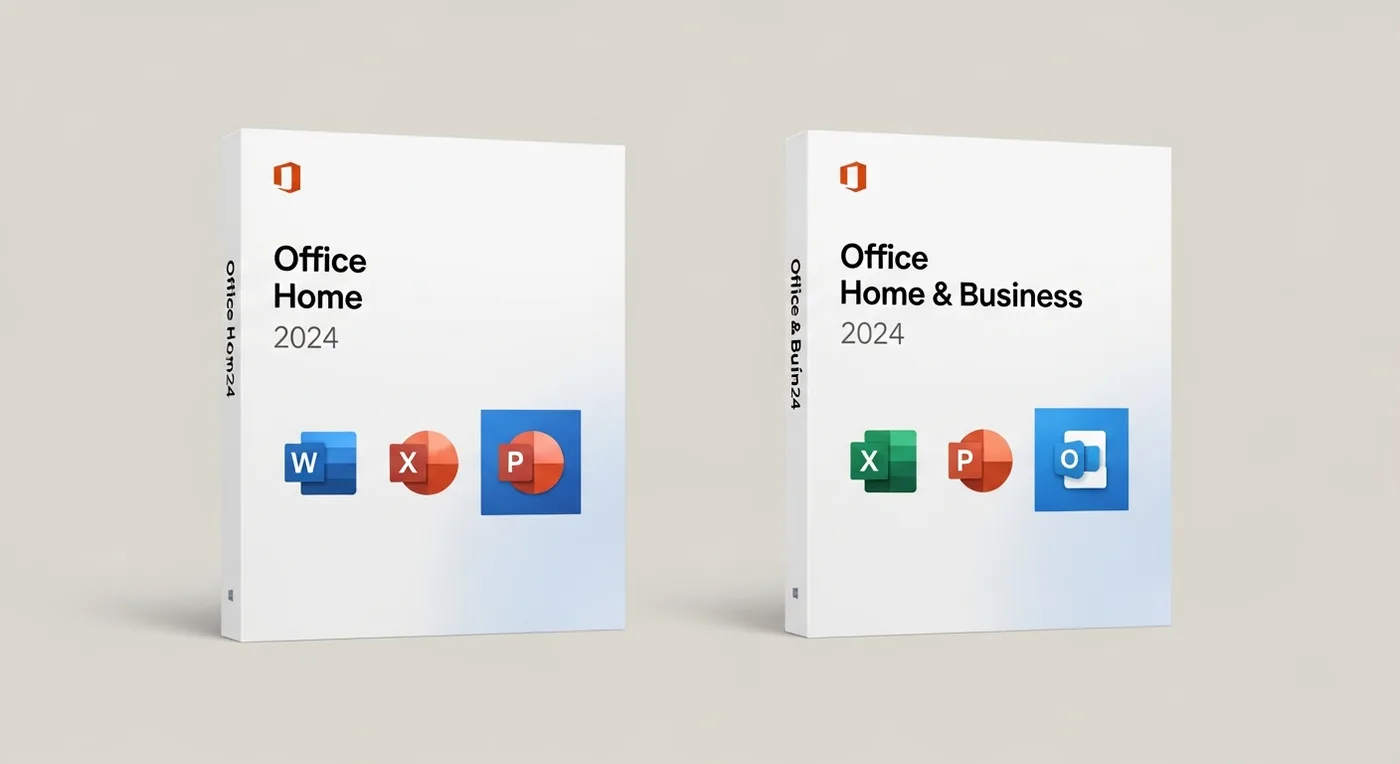 Choosing the right Microsoft Office edition
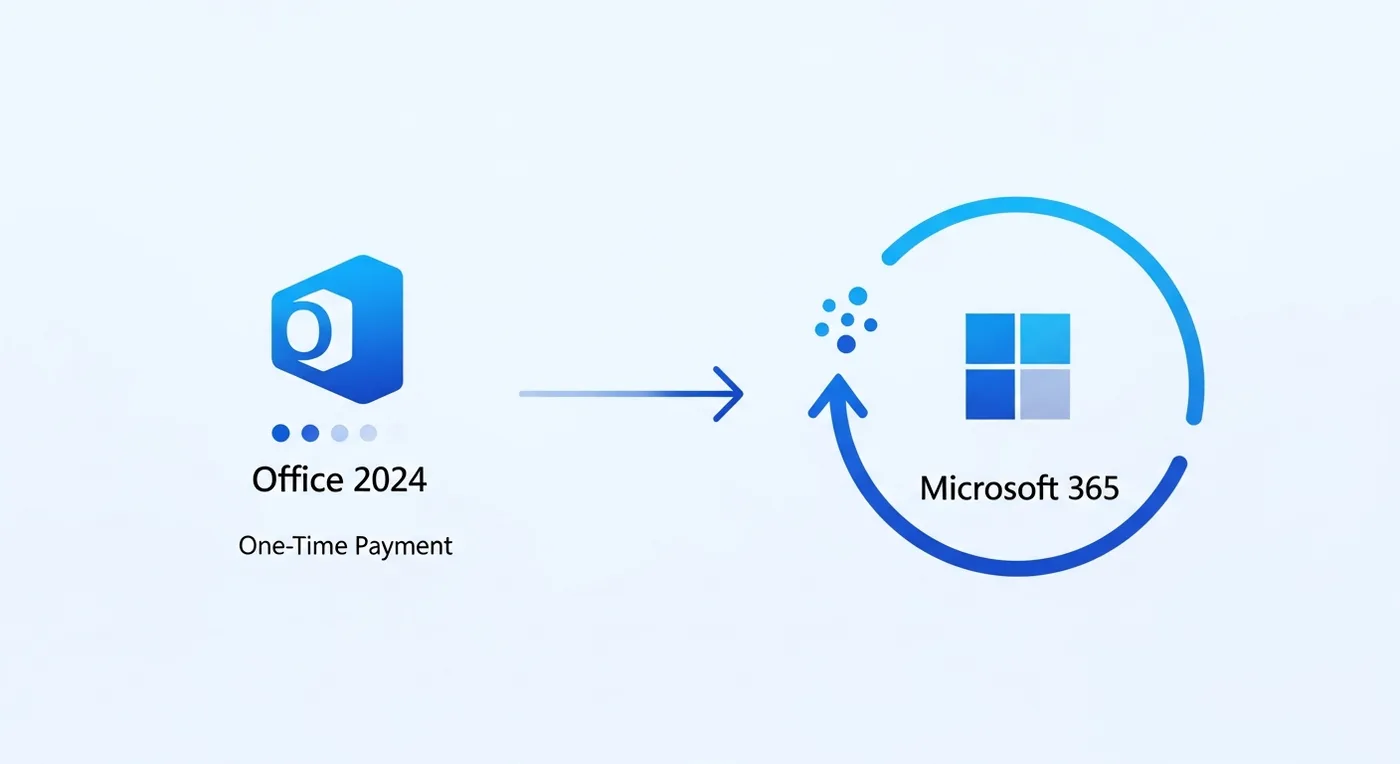 Office 2024 vs. Microsoft 365: buy once or subscribe?
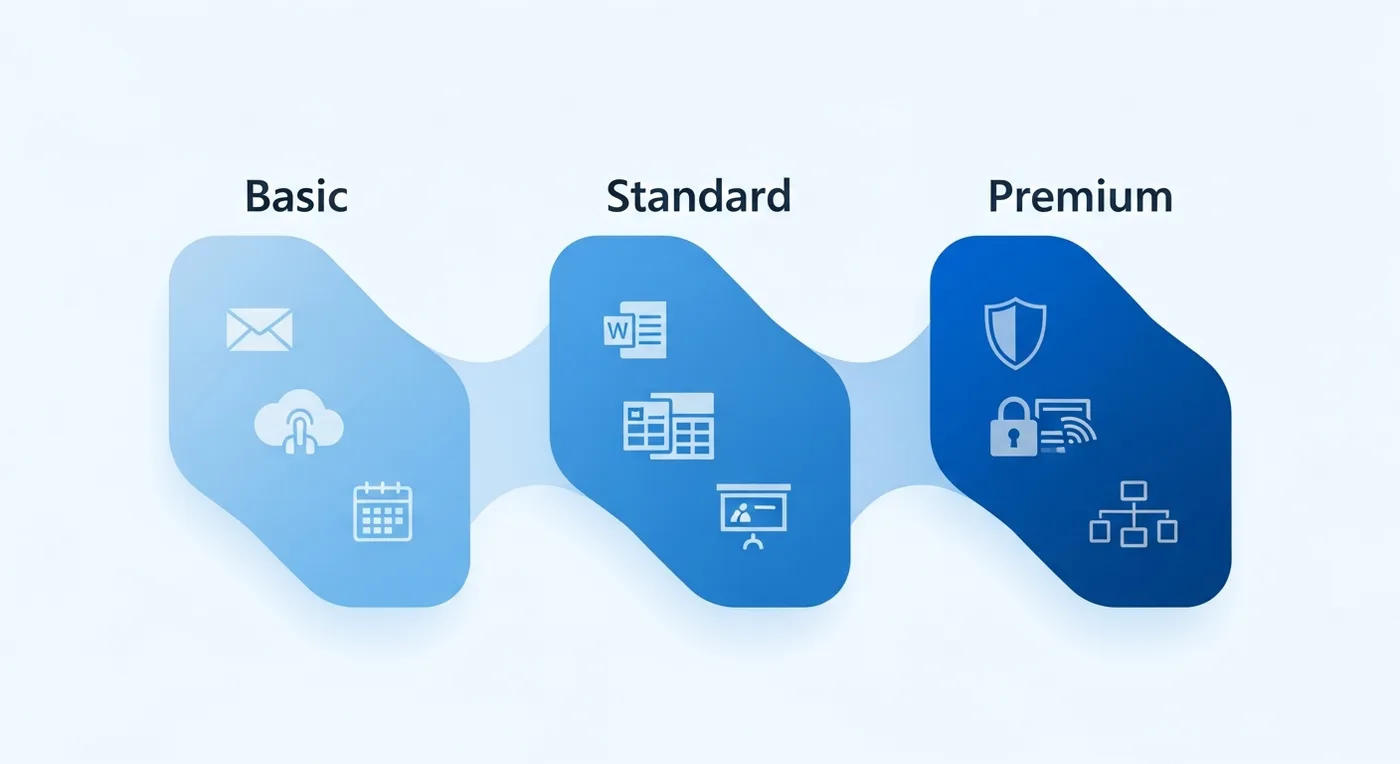 Software license types explained
From the blog
Fixes and how-tos for the problems we help customers with every week.
- How to find your Windows 11 or Windows 10 product key
- Windows 11 activation errors: what each code means and how to fix it
- Can your PC run Windows 11? How to check TPM 2.0, Secure Boot and CPU support
- How to upgrade Windows 11 Home to Pro without reinstalling
- How to transfer a Windows license to a new PC
- OEM vs. retail vs. volume license keys: what's the difference?