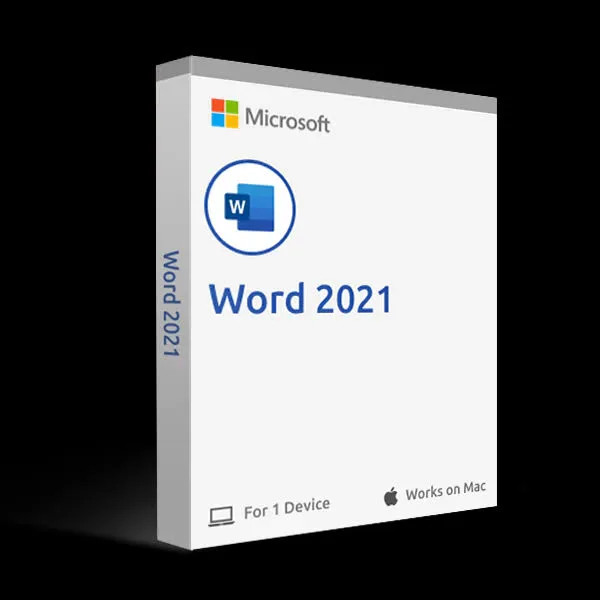
Microsoft, Single apps
Word 2021 for Mac
Word 2021 as a standalone app for one Mac. Support ended October 2026.
- One-time purchase, no renewal fees
- Covers 1 Mac (Mac (macOS))
- Key sent on WhatsApp after payment. Download from Microsoft’s official site.
- Questions first? Email our team
| Edition | Standalone |
|---|---|
| Version | Word 2021 for Mac |
| Works on | Mac (macOS) |
| License type | One-time purchase |
| License validity | One-time purchase. No renewal fees; you keep using the version you bought. |
| Devices | 1 Mac |
Overview
Word 2021 for Mac on its own, for writers who only need a word processor.
What’s included
- Word 2021 for Mac
Specifications and license terms
| Product | Word 2021 for Mac |
|---|---|
| Publisher | Microsoft |
| Edition | Standalone |
| Version | Word 2021 for Mac |
| Works on | Mac (macOS) |
| License type | One-time purchase |
| License validity | One-time purchase. No renewal fees; you keep using the version you bought. |
| Devices | 1 Mac |
| Users | 1 user |
| Account | Redeemed to one Microsoft account |
| Delivery | License key or activation code on WhatsApp after payment is confirmed |
| Restrictions |
|
System requirements
- One of the three most recent versions of macOS
- Apple silicon or Intel processor
- 4 GB RAM; 10 GB available disk space (HFS+ or APFS)
- 1280 x 800 screen resolution
- Internet connection and a Microsoft account for installation and activation
Requirements are set by Microsoft and can change with new releases. Check the publisher’s site for the latest list.
Download and activation
Installed from your Microsoft account after you redeem the key. Microsoft provides the installer directly, so you always get the current build.
- Sign in at setup.office.com (or microsoft.com/redeem) with the Microsoft account you want the license tied to.
- Enter the 25-character product key from your order message and confirm your country/region as United States.
- Open your Microsoft account Services & subscriptions page and choose Install Word.
- Run the installer, then open any app and sign in with the same Microsoft account to finish activation.
- If your delivery message contains channel-specific instructions, follow those; they take priority over these general steps.
Delivery, support and refunds
Delivery. This is a digital product. Send your order to us on WhatsApp from the checkout page. We confirm availability, agree the payment method with you, and send the product key and these instructions in the chat once payment is confirmed. Nothing is shipped. How delivery works
Support. If installation or activation doesn’t work, email support@trustikeys.shop with your order number and the exact error message.
Refunds and cancellations. Digital keys can’t be returned once revealed and activated. Requests for unused keys, and keys that can’t be activated, are handled under our refund policy.