Microsoft, Windows 10
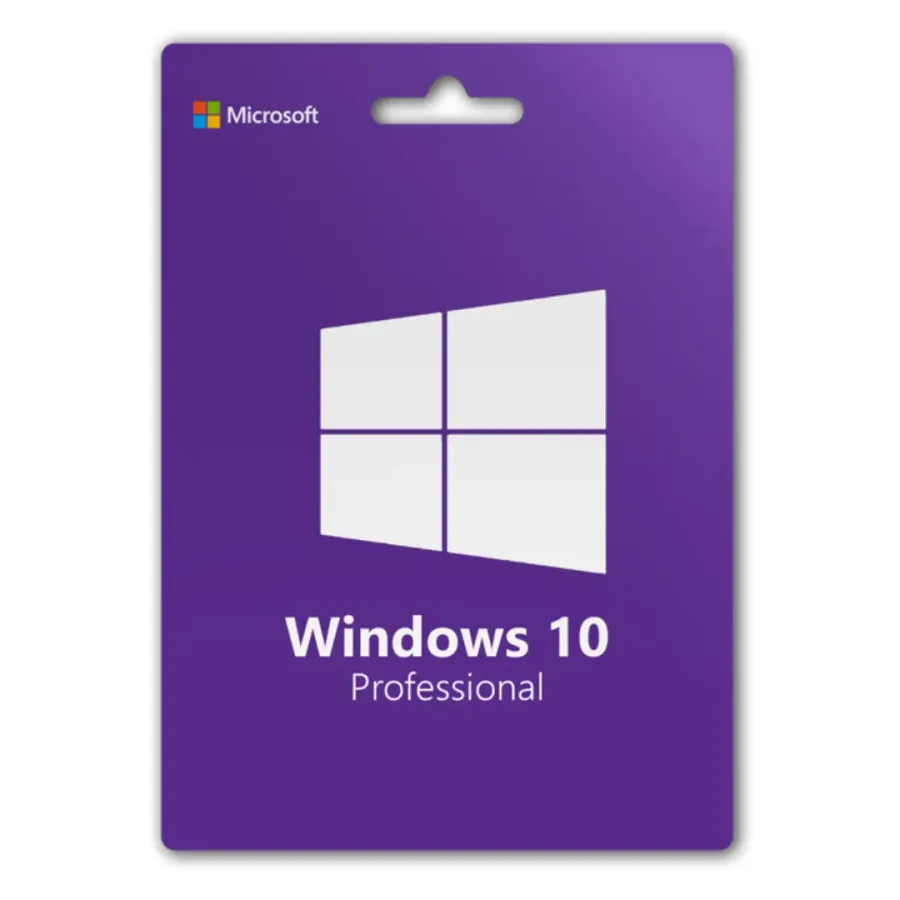
Windows 10 Pro
Windows 10 Pro product key for one PC, for older hardware or software that must stay on Windows 10.
- One-time purchase, no renewal fees
- Covers 1 PC (Windows)
- Key sent on WhatsApp after payment. Download from Microsoft’s official site.
- Questions first? Email our team
| Edition | Pro |
|---|---|
| Version | Windows 10 version 22H2 (final release) |
| Works on | Windows |
| License type | One-time purchase |
| License validity | One-time purchase. No renewal fees; you keep using the version you bought. |
| Devices | 1 PC |
Overview
Windows 10 Pro is for PCs that cannot meet Windows 11's TPM 2.0 and processor requirements, or for line-of-business software that has not been certified on Windows 11.
Please read the support notice below before buying. For any PC that meets the Windows 11 requirements, Windows 11 Pro is the better choice.
What’s included
- 25-character Windows 10 Pro product key
- Activation for one PC
- Link to Microsoft's official download page
Specifications and license terms
| Product | Windows 10 Pro |
|---|---|
| Publisher | Microsoft |
| Edition | Pro |
| Version | Windows 10 version 22H2 (final release) |
| Works on | Windows |
| License type | One-time purchase |
| License validity | One-time purchase. No renewal fees; you keep using the version you bought. |
| Devices | 1 PC |
| Users | 1 user |
| Account | Redeemed to one Microsoft account |
| Delivery | License key or activation code on WhatsApp after payment is confirmed |
| Restrictions |
|
System requirements
- 1 GHz or faster processor
- 2 GB RAM (64-bit)
- 20 GB available storage (64-bit)
- DirectX 9 graphics with WDDM 1.0 driver
- 800 x 600 display
Requirements are set by Microsoft and can change with new releases. Check the publisher’s site for the latest list.
Download and activation
Download Windows 10 from Microsoft's official Windows 10 download page using the Media Creation Tool or ISO.
- If Windows is already installed, open Settings > System > Activation.
- Select Change product key and enter the 25-character key from your order message.
- Keep the PC online while Windows contacts Microsoft's activation servers.
- For a clean install, enter the key when Setup asks for it, or choose I don't have a product key and activate after setup.
- If activation reports an error, note the error code and contact our support team with your order number.
Delivery, support and refunds
Delivery. This is a digital product. Send your order to us on WhatsApp from the checkout page. We confirm availability, agree the payment method with you, and send the product key and these instructions in the chat once payment is confirmed. Nothing is shipped. How delivery works
Support. If installation or activation doesn’t work, email support@trustikeys.shop with your order number and the exact error message.
Refunds and cancellations. Digital keys can’t be returned once revealed and activated. Requests for unused keys, and keys that can’t be activated, are handled under our refund policy.