Do you need a VPN on public Wi-Fi? What it protects and what it doesn't
By the TrustiKeys support team. Updated , 3 min read
Most websites already encrypt your traffic with HTTPS, so public Wi-Fi is safer than it used to be. A VPN still adds real protection: it hides which sites you visit from the network owner, encrypts traffic from apps that don't use HTTPS, and reduces the risk from fake hotspots. It doesn't stop malware, phishing or tracking by sites you sign in to.

What can go wrong on public Wi-Fi
- Evil twin hotspots: an attacker sets up a network named "Airport_Free_WiFi" and watches what connects.
- Snooping on unencrypted traffic: older apps and some smart devices still send data without HTTPS.
- DNS visibility: the network can see which sites you look up, even when page content is encrypted.
- Captive portals and redirects that try to push fake login pages.
What a VPN protects, and what it doesn't
| Threat | HTTPS alone | With a VPN |
|---|---|---|
| Someone reading your passwords on a site with HTTPS | Protected | Protected |
| Network owner seeing which sites you visit | Visible | Hidden |
| Unencrypted app traffic | Exposed | Encrypted |
| Fake hotspot inspecting traffic | Partly exposed | Mostly protected |
| Malware and phishing | Not protected | Not protected |
| Tracking by sites you sign in to | Not protected | Not protected |
When a VPN subscription is worth it
- You often work from hotels, airports, coworking spaces or cafés.
- You handle client data or company accounts on the road.
- You want privacy from your internet provider at home as well.
- You need one subscription across laptop, phone and tablet.
If you only occasionally check email on café Wi-Fi, your phone's mobile hotspot is a free and secure alternative.
Choosing a VPN
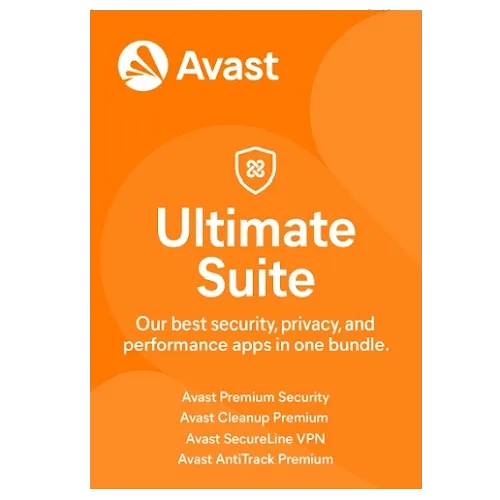
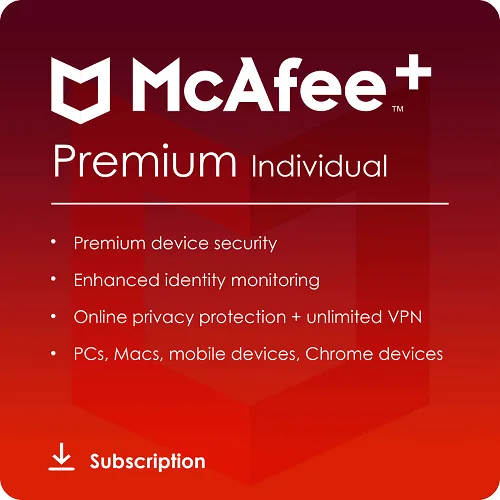
Look at device count, supported platforms and whether you also need antivirus. A standalone VPN such as Avast SecureLine VPN covers up to 10 devices. Suites like Avast Ultimate or McAfee+ Premium bundle a VPN with malware protection. Compare them in our VPN buying guide.
 Do you need antivirus on Windows 11, or is Microsoft Defender enough?
 OEM vs. retail vs. volume license keys: what's the difference?
 Can your PC run Windows 11? How to check TPM 2.0, Secure Boot and CPU support